



What Is Reverse DNS and How Does It Work?
Reverse DNS (rDNS) flips the usual question. Instead of asking what IP a domain resolves to, it asks: what hostname is behind this IP? The answer lives in PTR records - a separate part of the DNS tree that most people never touch. A reverse DNS lookup is the query that pulls it out. You probably won't think about any of this until mail starts bouncing, a security audit flags something missing, or your logs fill up with raw IPs that tell you nothing useful.
AI Summary
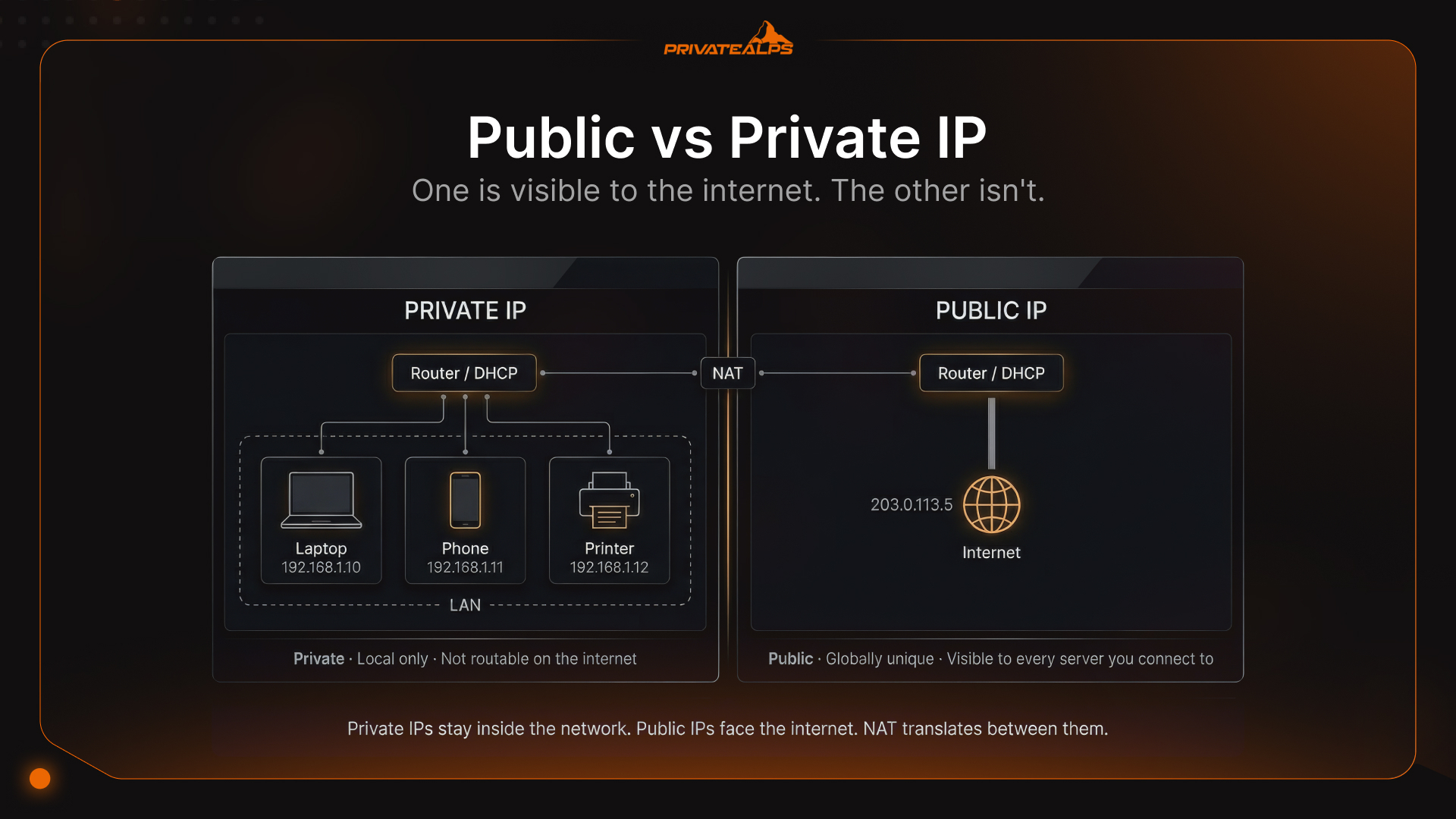
Reverse DNS does what the name suggests - runs DNS backwards. Give it an IP, get a hostname. The records that make this work are PTR records, stored under in-addr.arpa. One thing most people get wrong upfront: you can't set your own PTR just because you own the domain. The record belongs to whoever was allocated the IP block - your provider, your ISP, whoever handed you the address. Key facts: PTR records handle rDNS - not A records, not CNAMEs IPv4 lives under in-addr.arpa; IPv6 under ip6.arpa FCrDNS means the PTR hostname has to resolve forward back to the same IP - one direction isn't enough The IP block owner sets PTR records. The domain registrant doesn't get a say Gmail, Outlook, and Yahoo will reject your mail if the sending IP has no PTR record rDNS is spoofable - treat it as a signal, not proof (MITRE CWE-350)
What Is Reverse DNS?
Most DNS queries start with a name and end with an IP. Reverse DNS flips that - you start with an IP and get a hostname back. The mechanism is PTR records, sitting in a dedicated part of the DNS namespace: in-addr.arpa for IPv4, ip6.arpa for IPv6. Nothing fancy, just a different direction.
Where it gets people is ownership. A records for your domain - yours to manage. But the PTR for your IP? That belongs to whoever controls the IP block. Usually your hosting provider, sometimes your ISP, occasionally a cloud platform. Not you. Even if you're renting a dedicated server, the PTR authority stays with the provider unless they delegate it. This is the thing that sends people to the wrong place when they're trying to fix a missing PTR record.
The address format shows this logic clearly. For IPv4, the octets just flip. 203.0.113.42 becomes the query 42.113.0.203.in-addr.arpa. IPv6 is messier - every hex nibble gets reversed one by one, and .ip6.arpa goes on the end. Take 2001:0db8:85a3:0000:0000:8a2e:0370:7334.
Expanded out: 20010db885a3000000008a2e03707334. Reverse each nibble, add dots: 4.3.3.7.0.7.3.0.e.2.a.8.0.0.0.0.0.0.0.0.3.a.5.8.8.b.d.0.1.0.0.2. The full PTR query target is 4.3.3.7.0.7.3.0.e.2.a.8.0.0.0.0.0.0.0.0.3.a.5.8.8.b.d.0.1.0.0.2.ip6.arpa. Most documentation skips over this step entirely. That's why IPv6 PTR misconfigurations are so common. Source: Cloudflare - DNS PTR Record
How Does a Reverse DNS Lookup Work?
Take the IP, reverse it, stick .in-addr.arpa on the end, send that as a DNS query. What happens next is a chain of delegations - root servers to IANA to a regional registry to whoever actually manages that block of addresses. It's longer than it sounds.
Step-by-step lookup process:
- Query formation - The client reverses the IP and appends .in-addr.arpa. So 198.51.100.10 turns into the query 10.100.51.198.in-addr.arpa.
- Recursive resolver - The OS hands that query off to a recursive resolver - 8.8.8.8, your ISP's resolver, whatever's configured.
- Root servers - The resolver goes to the root nameservers and asks about the arpa. zone.
- ARPA/RIR delegation - Root servers point to IANA's in-addr.arpa zone, which then hands off to the right RIR: ARIN for North America, RIPE for Europe, APNIC for Asia-Pacific. The split depends on who owns the IP range.
- ISP or hosting provider - The RIR passes authority for that specific block to the provider it was allocated to.
- PTR record returned - Finally, the authoritative nameserver for that block answers with the PTR hostname.
That chain is why editing your domain's DNS zone does absolutely nothing for PTR records. People try it, it doesn't work, they're confused. PTR authority sits with the IP block owner - your hosting provider, cloud platform, or ISP - and that's the only place you can configure it. Your zone file isn't part of the picture at all.
What Is a PTR Record?
PTR stands for pointer. It's a DNS record that maps a reversed IP address to a hostname, living under in-addr.arpa. When someone runs a reverse lookup, this is what comes back - or doesn't, if you haven't set one up.
Generic vs. custom - and why it matters: ISPs auto-generate PTR records for dynamically assigned IPs. They look like this: 59.24.117.59.in-addr.arpa. 3600 IN PTR 59-117-24-59.dynamic.isp.net.
Mail providers see that format and immediately know what they're dealing with - a dynamic residential IP, or something that looks like one. That's a spam flag. What a legitimate mail server PTR looks like: 42.113.0.203.in-addr.arpa. 3600 IN PTR mail.example.com.
Clean, specific, identifiable. That's what receiving servers want to see. FCrDNS - the part most people miss: Having a PTR isn't enough on its own. FCrDNS - Forward-Confirmed Reverse DNS - means the hostname in your PTR has to resolve forward back to the original IP. So: 203.0.113.42 → PTR → mail.example.com → A record → back to 203.0.113.42. That loop has to close. If the A record points somewhere else, or doesn't exist, the check fails - and you'll see the rejection without an obvious reason why. Gmail and Outlook run this on every connection, silently, before anything else.
Why Does Reverse DNS Matter? Key Use Cases
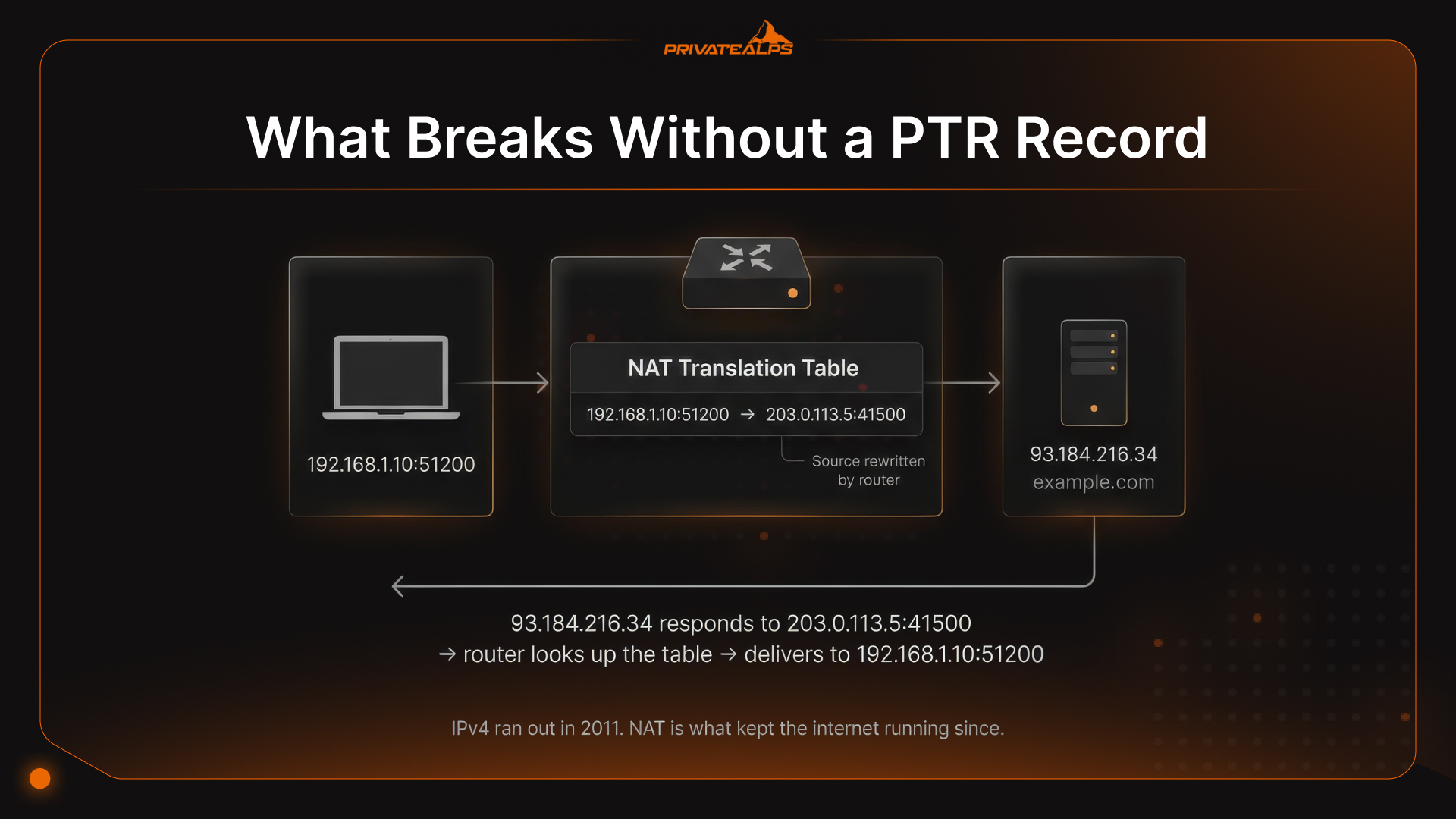
Missing PTR records don't fail loudly. Email just disappears - no bounce, no error, the message is gone. Logs fill up with IPs you can't resolve to anything. You run a traceroute and half the path is blank. It's the kind of problem you chase for a while before you realise the infrastructure was quietly broken the whole time.
One hard limit to keep in mind: rDNS alone isn't a reliable identity check. If someone controls the DNS server for an IP, they can return any hostname they want - a fake corporate name, a spoofed mail host, whatever gets them past a filter that trusts PTR values. That attack path is documented in MITRE CWE-350. Use PTR as one signal, combine it with FCrDNS, and don't build access logic that treats a hostname as proof of identity.
| Use Case | How rDNS Is Applied | What Breaks Without It |
|---|---|---|
| Email deliverability | Receiving server performs rDNS on the connecting IP, checks for PTR, confirms FCrDNS match | Email rejected or sent to spam by Gmail, Outlook, Yahoo |
| Security / log enrichment | IDS, SIEM, and firewall logs resolve attacker IPs to hostnames for faster triage | Logs contain raw IPs only - analysts spend more time correlating data |
| Network troubleshooting | traceroute / tracert automatically performs rDNS on each hop, displaying router hostnames instead of bare IPs | Traceroute output shows IP addresses only - identifying congestion points or routing loops becomes manual work |
| Analytics / B2B lead tracking | Web server logs resolve visitor IPs to hostnames, revealing named organizations, ISPs, or cloud providers | All visitors appear as anonymous IPs - B2B intent data is lost |
Reverse DNS and Email Deliverability
The PTR check on an SMTP connection happens before the mail server looks at a single header. Before the subject line, before the From address, before anything. A dns reverse lookup runs on the connecting IP the moment the session opens. If nothing comes back - or what comes back doesn't match - the connection is rejected or the message gets spam-classified. The content is irrelevant at that point.
PTR/FCrDNS and HELO/EHLO alignment: When the SMTP connection comes in, the receiving server doesn't just look up the PTR and move on. It also compares it to whatever hostname the sender declared in the HELO or EHLO handshake. Those two have to line up. If they don't, the session gets flagged before the message ever lands. And a generic PTR like 59-117-24-59.dynamic.isp.net doesn't help - it looks exactly like a home broadband connection or a compromised machine churning out spam. Receiving servers have seen that pattern a million times.
PTR within SPF, DKIM, and DMARC: Here's a thing that trips people up. They configure SPF, DKIM, and DMARC carefully - everything looks right - and email still doesn't land where it should. PTR usually isn't the first place they look. But it should be, because it gets checked before any of those protocols matter. SPF, DKIM, and DMARC are evaluated on the message. PTR is evaluated on the connection. If the connection gets rejected first, the message never gets far enough for those records to do anything.
How to Perform a Reverse DNS Lookup
If you're comfortable with a terminal, three tools do this job. If not, a couple of browser-based options work fine. The output isn't complicated - a hostname tells you the PTR is there; NXDOMAIN tells you it isn't.
Command-line methods: nslookup (Windows and cross-platform): nslookup 203.0.113.42 Gives you the PTR hostname in the Name: field. Fine for a quick check on Windows. dig -x (Linux/macOS - more detail): dig -x 203.0.113.42 Returns the full response: TTL, authoritative server, PTR value in the ANSWER SECTION. Throw +short on the end if you just want the hostname. host (Linux - simplest output): host 203.0.113.42
One line back: 42.113.0.203.in-addr.arpa domain name pointer mail.example.com. Good for scripts that need to parse the result quickly.
Online tools: MXToolbox Reverse DNS Lookup, HackerTarget, and dns.google all run ip reverse lookup queries in the browser with no setup. What to look for: a custom hostname means it's configured properly. NXDOMAIN means there's nothing there - go talk to whoever controls that IP block. A result like 203-0-113-42.host.provider.net means a PTR exists but it's the auto-generated kind - request a custom one, because that default format will get flagged.
How to Set Up Reverse DNS - and Who Controls It
The most common confusion with PTR records is where to go to set one. Not your domain registrar. Not your DNS panel. The PTR lives with whoever owns the IP block - and for most hosted servers, that's not you.
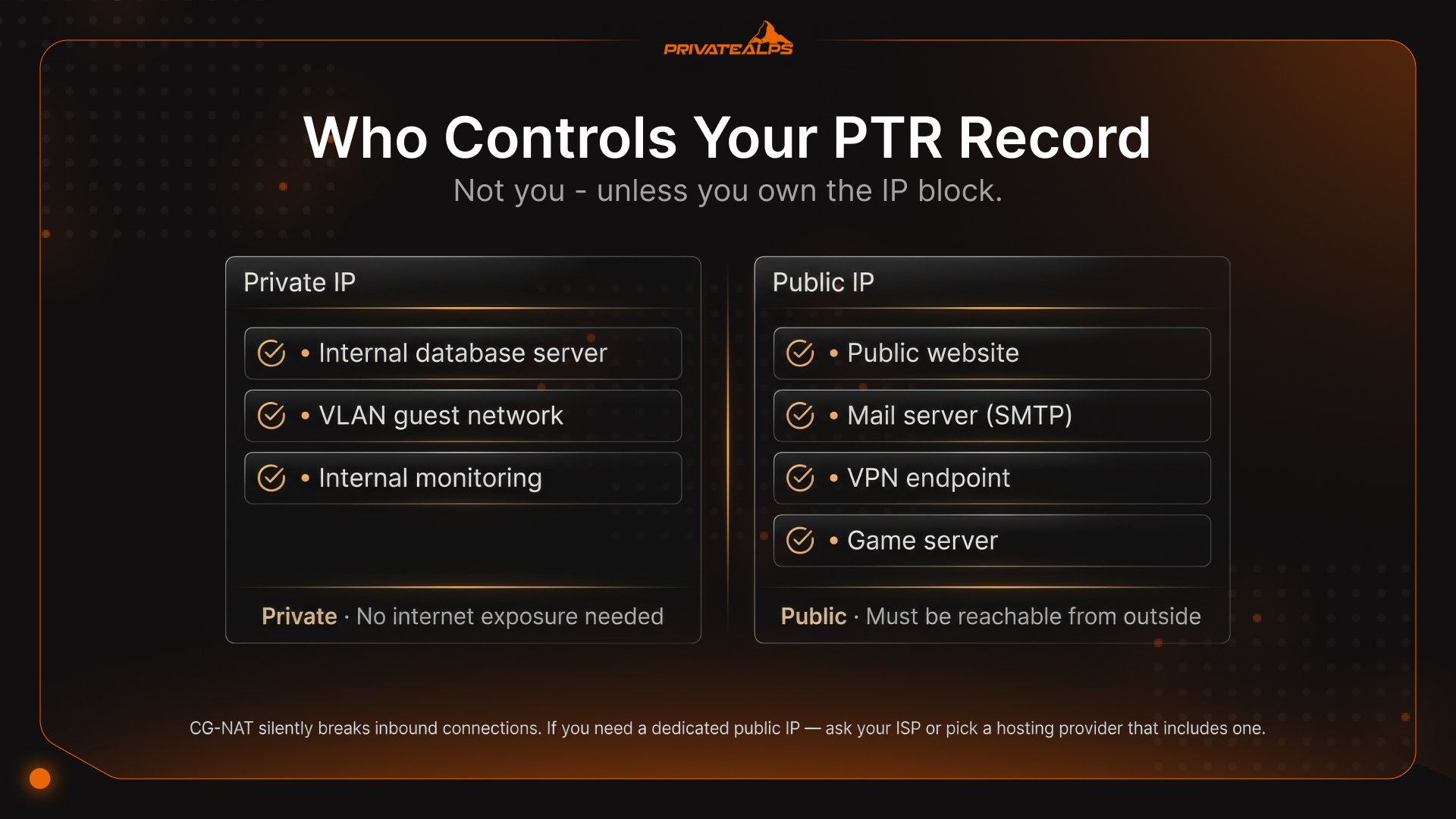
Where to configure PTR by scenario:
| Scenario | Who Configures PTR | How |
|---|---|---|
| Dedicated server or VPS at a hosting provider | Hosting provider (e.g., PrivateAlps, Hetzner, OVH) | Submit a support ticket or use the provider's control panel to request a custom PTR |
| Cloud instance (AWS, GCP, Azure) | Cloud provider via self-service console | AWS: Elastic IP → "Edit reverse DNS"; GCP: VM instance settings; Azure: Public IP resource → "Configuration" |
| Static IP from an ISP | ISP | Contact ISP support and request PTR record update for the specific IP |
| Own IP block (PI space) | You, via RIR delegation | Configure a nameserver for your in-addr.arpa zone and register it with your RIR (ARIN, RIPE, etc.) |
After you've set it up, verify both directions: Reverse lookup - dig -x <your IP> +short should return the hostname you set. If it comes back empty or with an auto-generated value, the change hasn't applied yet. Forward lookup - dig A mail.example.com +short should return the same IP you started with. If it resolves somewhere else, FCrDNS will fail even though the PTR looks fine.
Give it 24-48 hours before you panic. PTR propagation isn't instant, and checking immediately after saving will just confuse you.
Common Reverse DNS Errors and How to Fix Them
| Error | Cause | Fix |
|---|---|---|
| Missing PTR record (NXDOMAIN) | No PTR configured for the IP | Contact the IP block owner (hosting provider or ISP) to create one |
| PTR/FCrDNS mismatch | PTR hostname's A record resolves to a different IP | Update whichever record is inconsistent so both directions match |
| Generic PTR (auto-generated) | Provider assigned a default IP-pattern PTR | Request a custom PTR pointing to a meaningful hostname (e.g., mail.yourdomain.com) |
| Multiple PTR records for one IP | Duplicate PTR entries in the zone | Remove duplicates - one IP should have exactly one PTR record |
Summary
If there's one thing worth remembering: PTR records follow the IP, not the domain. Whoever controls the IP block controls the PTR - RIR down to provider or ISP. Your DNS zone isn't involved. FCrDNS is the forward check that closes the loop, and it's what mail servers actually verify. rDNS on its own is a starting point, not a proof. SPF, DKIM, DMARC - they each do something PTR doesn't. You need all of them.
Ready to Configure rDNS Correctly?
PrivateAlps runs VPS and dedicated server infrastructure out of Switzerland. IP allocation is included - you actually control the block. Custom PTR configuration is available on every plan, which means no filing a ticket with someone who doesn't understand the request. If email deliverability, readable logs, and honest network identity matter to your setup, the infrastructure needs to back that up.
FAQ
What Is the Difference Between Forward DNS and Reverse DNS?
A standard dns look up is forward: type a domain, get an IP back. A or AAAA records, nothing special. PTR resolution goes the other way - IP in, hostname out. The part worth understanding about what is dns lookup in either direction is who initiates it. Forward lookup is your browser or your app, every time. Reverse lookup happens automatically, on the receiving end - mail servers, security tools, log analyzers checking who just connected. FCrDNS ties both together: the PTR hostname has to resolve forward to the same IP it came from.
What Is an rDNS Lookup?
An rDNS lookup is a DNS query for the PTR record of a specific IP address - whatever hostname the IP block owner has configured there. You rarely run it on purpose. Mail servers do it automatically before they accept a message. Traceroute does it on each hop. Security tooling does it when it's trying to put a name to a connection. The result is only interesting when it's wrong - generic, missing, or pointing somewhere unexpected.
What Is the Difference Between Reverse DNS Lookup and Reverse IP Lookup?
They sound nearly identical but they're pulling from completely different places. An rDNS lookup is a live PTR query - whatever hostname is set right now by the IP block owner. A reverse ip lookup hits an aggregated historical dataset: every domain name that's ever pointed to that IP, going back as far as the dataset covers. The rDNS result tells you what the IP is configured as today. The reverse IP result is more useful for investigation - OSINT, threat research, figuring out the history of an address before you decide whether to trust it.
Does Every IP Address Need a PTR Record?
Technically no. RFC 1912 recommends it, and notes that missing PTR and A record consistency can cause service failures similar to not being in DNS at all. For most things, it's just good practice. For mail servers, it's basically mandatory - without it you're not getting through to Gmail or Outlook. Full stop.
Why Is My Reverse DNS Not Resolving?
Nine times out of ten: no PTR record exists at all, or it was just created and hasn't propagated. The first case means contacting your IP block owner to have one set up. The second just needs time - 24-48 hours is normal, and checking five minutes after saving tells you nothing. The less obvious one is an FCrDNS mismatch: the PTR resolves fine, but the hostname it points to has an A record that goes somewhere else. Both sides have to be consistent. Start by checking the forward record if the reverse lookup looks right but mail is still failing.
Can I Set My Own PTR Record?
Short answer: only if you own the IP block, which hosted server customers almost never do. The provider allocated those IPs to themselves, and PTR authority stays with them. You ask through their panel or support, they make the change. Owning the domain doesn't factor into it at all - that's a different part of the DNS system entirely.